 MusicFlow
Feel your music.
Real-time audio visuals for
Mac, iPhone and iPad.
Coming soon

A little closer to your music.
Your desktop,
in rhythm.
A subtle visualizer by your Dock. An immersive music wallpaper when you want more.
Made for Mac


Take the feeling
with you.
Go full screen on iPhone and iPad, or keep the rhythm in view with Picture in Picture.
- Full screen.
- Just you and the music.
- Picture in Picture.
- A little rhythm, alongside your day.
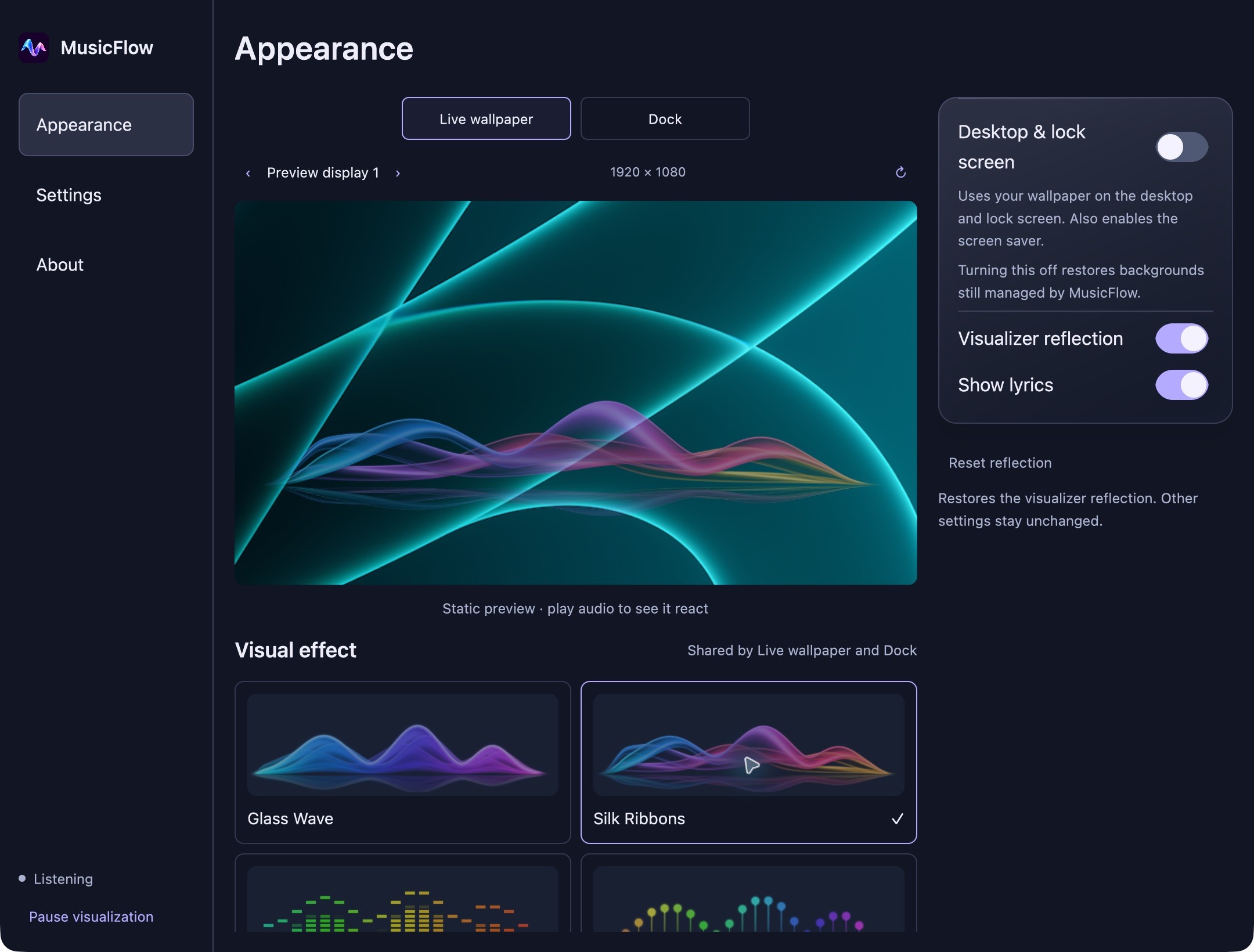
- The same four effects.
- Made for every screen.
App interface shown with effect previews. Audio source compatibility varies.
Find your flow.
Four ways to see what you hear.
Questions
before you start.
Visit support Which audio sources work?
System audio depends on the app playing it. Protected Apple Music audio cannot be captured on iPhone or iPad. Microphone mode can follow music playing through speakers, but cannot hear headphone audio.
Why does the app ask for screen sharing?
System Audio uses Apple's screen-sharing APIs to access audio. Screen video samples are discarded. MusicFlow does not save or upload your audio or screen content. Optional microphone mode uses microphone permission instead.
Does MusicFlow save my audio?
No. Audio is analyzed live on your device and is not recorded or uploaded. See the Privacy Policy for details about permissions, local settings, Mac music information, and this website.
When can I download MusicFlow?
MusicFlow is being prepared for release. Download links will appear here when each version is available. No release date has been announced.